
Is Random Video Chat Safe? 10 Tips to Protect Yourself in 2026
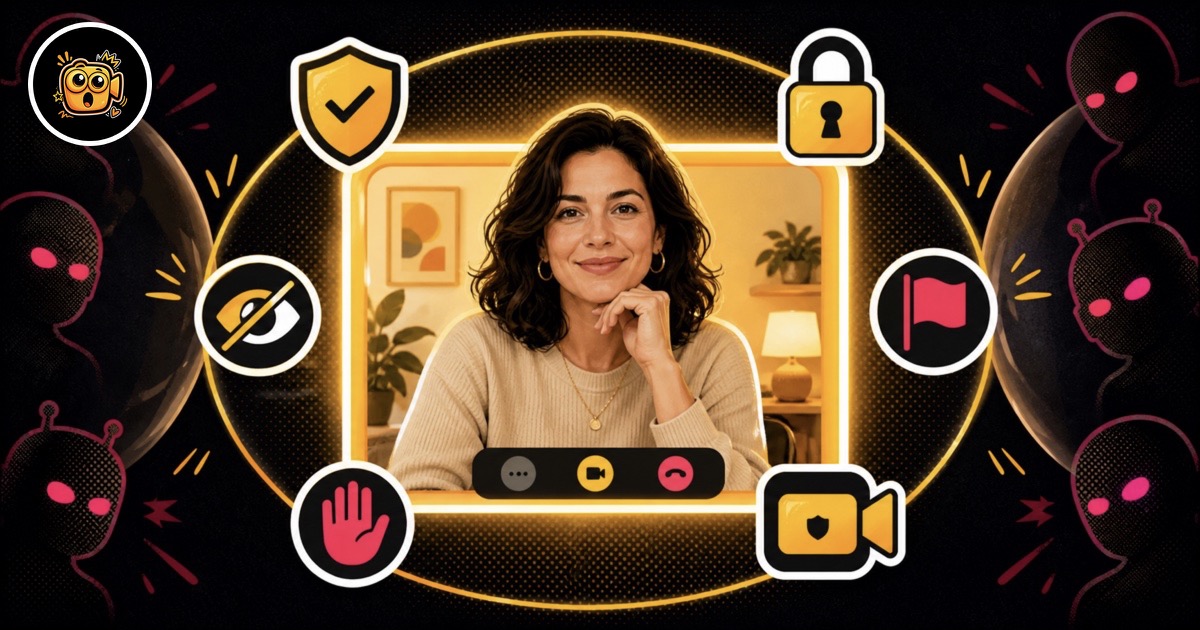
Random video chat connects you with strangers across the globe in seconds—but it also raises legitimate safety questions. From unwanted exposure to data privacy, the risks are real. The good news? With a handful of smart habits and by sticking to moderated platforms like OohCam, you can enjoy spontaneous cam-to-cam encounters while keeping your identity and wellbeing protected. This in-depth guide walks you through everything you need to know about video chat safety, backed by actionable advice for 2026.
1. Understand the Real Risks of Random Video Chat
Before you can protect yourself, you need to know what you’re protecting against. The biggest dangers on unmoderated random video chat platforms include:
- Explicit content: Without real‑time moderation, users can broadcast nudity, violence, or other harmful material.
- Scam attempts: Fake profiles trying to lure you to external sites, phishing links, or financial scams.
- Recording and re‑sharing: Some users record sessions and upload them without consent.
- Privacy leaks: Accidentally revealing your screen, location, or personal documents.
Knowing these risks isn’t meant to scare you—it’s the foundation of a solid safety mindset. Once you accept that not every stranger has good intentions, you’ll naturally adopt the habits covered in the rest of this article.
2. Choose Moderated Platforms Over Unmoderated Ones
The single most effective safety decision is picking a video chat site that actively moderates content. Here’s a quick side‑by‑side comparison of what a moderated experience looks like versus an unmoderated one:
OohCam, for example, uses a combination of AI‑powered scanning and a dedicated human review team to keep chats clean and flagged content off the screen. This moderation‑first approach dramatically lowers your exposure to harmful material and makes it a smarter choice for casual video chat with strangers.

3. Protect Your Identity and Personal Information
It’s tempting to share your Instagram or real name after a friendly chat, but that’s exactly how boundaries blur. Follow these golden rules on video chat safety:
- Never reveal your full name, address, phone number, or workplace.
- Use an anonymous alias—something fun but not traceable.
- Keep your camera focused on your face, not your surroundings. Turn off screen sharing.
- If you’re chatting with someone claiming to be a girl, remember that video chat with girls works best on platforms that respect anonymity—OohCam keeps both sides protected.
A good rule of thumb: dance like no one’s watching, but chat like someone is.

4. Recognize Red Flags Early
Scammers and bots follow patterns. Train yourself to spot them in the first few seconds:
- Pre‑recorded video or frozen image that doesn’t react to you.
- Immediate requests to move to another app or click a link.
- Robotic, overly flattering scripts (“you seem amazing, add me on Snap”).
- A dark, empty room with poor lighting—often a sign of a bot farm.
The moment something feels off, trust your gut and hit next. You owe the stranger nothing.

5. Configure Privacy Settings & Camera Controls
Before your first chat, take 60 seconds to harden your setup:
- Enable a virtual background or blur effect (most modern browsers support it natively).
- Disable your microphone by default until you want to talk.
- Block browser permissions you don’t need—location, notifications, clipboard access.
- If you’re using a mobile device, chat from a neutral angle where no personal items are visible.
On platforms like OohCam, you can start chatting without an account, which means none of your personal data is tied to the session. Still, the hardware‑level precautions above add an extra layer.
6. Report, Block & Disconnect Quickly
Even on the best‑moderated platform, violations can slip through. When they do, know the drill:
- Disconnect immediately—don’t engage or retaliate.
- Use the Report button. Moderated sites feed reports into their review queue; your action helps train the AI.
- If the platform offers Block, use it to ensure you won’t be matched with that user again.
The speed of your response matters. A quick disconnect protects both you and the next user.
7. Build Healthy Chat Habits (Bonus Tips)
Beyond the reactive steps, embedding these habits into your routine will make video chat safety second nature:
- Avoid screen sharing unless you’re absolutely sure your desktop shows nothing sensitive.
- Never click any link strangers send—period.
- Take regular breaks. Endless swiping can lower your guard.
- If you’re under 18, use only platforms with verified age‑gating. OohCam is designed for 18+ and enforces it.
These small practices accumulate into a much safer, more enjoyable random chat experience.
Frequently Asked Questions
Is random video chat safe in 2026?
Yes, it can be safe when you use a moderated platform like OohCam and follow basic safety practices. Never share personal info, stay on sites with AI and human moderation, and disconnect immediately if you feel uncomfortable.
Can people record my random video chat session?
While most platforms prohibit recording, it is technically possible for users to capture their screen. Always assume you are being recorded, and avoid showing anything private. Using virtual backgrounds and keeping sessions anonymous can reduce risks.
What should I do if I see inappropriate content on a video chat?
Immediately click the next or disconnect button. Afterward, use the report function if the platform offers it. Reputable sites like OohCam have AI filtering and human review teams that act on reports quickly.
How does OohCam keep random video chat safe?
OohCam combines AI-powered real‑time moderation with a dedicated human review team. Users remain anonymous by default, and explicit content is blocked automatically. You can try it free without creating an account.
Is it safe to use my real name on video chat sites?
No, avoid using your real name, location, or social media handles. Stick to an anonymous alias. OohCam is designed to keep you anonymous—no signup required, so your identity stays protected.